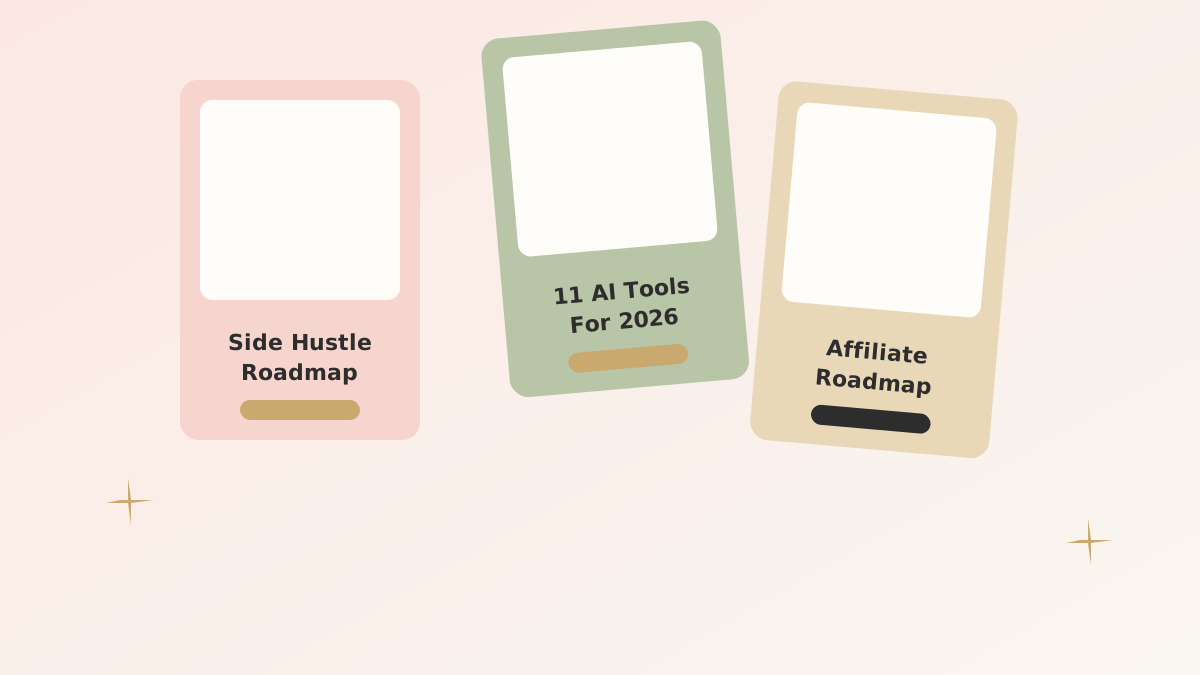
Pinterest is still the most underrated traffic source for women-led blogs in 2026. While everyone else fights for one viral TikTok, a single well-designed pin can drive readers to your blog post for two years. The catch is that Pinterest has changed substantially in the last twelve months, and most "Pinterest tips" articles are still teaching the 2022 playbook.
This post is a faithful version of what's actually working right now — the design formula that doubled my CTR, the keyword approach that respects fresh Pinterest SEO, and the posting cadence that keeps me sane.
What changed on Pinterest in 2026
Three big shifts to know before we get tactical:
- Fresh content is heavily favored. A pin that's been re-pinned a hundred times now performs worse than a brand new pin pointing to the same blog post. The platform wants new visual content.
- Click-through rate is now the dominant ranking signal. Saves and impressions matter less than they used to. A pin that gets clicks beats one that just gets seen.
- Keyword stuffing is punished. Pin descriptions, board titles, and pin titles still need keywords, but in natural language. Lists of comma-separated keywords now hurt rankings.
That's the foundation. Now to the formula.
The pin design formula that doubled my CTR
The single biggest CTR jump I've seen in 18 months came from a small change: I stopped designing pins for *Pinterest* and started designing them for *the moment a tired person scrolls past*.
That tiny reframe led me to a six-element formula. Every high-performing pin in our community now has:
- One bold, scroll-stopping title in the top third — usually 5–9 words. Big serif font.
- One soft hero image behind or below the title — never busy, never stocky.
- A clear color block or stripe that gives the eye a place to land.
- One curiosity hook subhead in smaller text under the title.
- A subtle CTA button shape at the bottom — even if it's not clickable on Pinterest, it cues the brain.
- Your subtle brand watermark (small, lower corner) for trust and brand memory.
Vertical 1000×1500px is the sweet spot. Anything taller gets cropped on mobile.
Save this design checklist
Pin this post to your "Pinterest Strategy" board. The six-element formula above is what we test every single new pin against.
Pinterest keyword research that actually works
Pinterest is its own search engine with its own intent. Google "best email marketing tools" and you'll get B2B SaaS comparisons. Pinterest the same query and you'll see screenshots of pretty newsletter dashboards. The intent is different.
The simplest keyword research routine that I do every week:
- Type my topic into Pinterest's search bar and note all the autocomplete suggestions.
- Scroll down to the colored "guided search" pills under the search bar — these are the highest-volume related terms.
- Open the top three pinned articles for each phrase and note what their titles do well.
Pinterest Trends (the free tool inside your business dashboard) confirms whether a keyword is rising or fading. Aim for terms that are seasonal-rising or steady, not steeply declining.
Pin titles that earn the click
The title on the pin itself does most of the heavy lifting. Three formats that consistently outperform everything else for our niche:
- Listicles with a number: "11 AI Tools Quietly Making Solopreneurs Rich" — specific, scannable.
- Personal results: "How I Built a $5K/Month Side Hustle in 6 Months" — credibility plus aspiration.
- Curiosity questions: "What I Wish I Knew Before Starting My Blog" — opens an information gap.
Avoid: clickbait that overpromises (CTR rises but bounce rate kills the pin a week later), and clever puns that take three seconds to decode (Pinterest scrollers don't have three seconds).
How many pins per post is right in 2026?
The 2022 advice was 10–20 pins per blog post. The 2026 advice is calmer: 4–6 pins per blog post, designed differently and released over 8–12 weeks. More pins than that gets diminishing returns and dilutes your CTR average.
I make four core pins for every new blog post:
- Pin A — title-first, blush color block, soft photography.
- Pin B — number-led listicle style, sage palette.
- Pin C — quote/screenshot style, gold accent.
- Pin D — text-only typographic style, cream background.
Then 4–8 weeks later, two more pins for the same post with fresh angles.
Posting cadence — the 30-minutes-a-week routine
- Once a week: Design four fresh pins for the week's new blog post (templated in Canva).
- Schedule via Tailwind: 1–2 pins per day spread across your relevant boards. Never more.
- Once a month: Audit top 10 pins. Refresh stale ones with new images.
Total: about 30 minutes a week once your templates are dialed in.
The metric you should actually watch
Forget impressions. Forget saves. Watch outbound clicks in your Pinterest analytics. That number tells you whether pins are doing the one job that matters: getting humans to your blog.
If a pin has 50,000 impressions and 80 outbound clicks, it's a pretty pin that's failing at its job. If a pin has 4,000 impressions and 200 outbound clicks, that's a winner — make four more like it.
Common mistakes I see new bloggers make
- Using the same pin design template for everything. Variety in style outperforms consistency in style on Pinterest.
- Pinning their own content only. A 70/30 ratio of own/curated content tends to perform best.
- Joining 30 group boards. Quality over quantity — 3–5 active boards in your niche outperforms 30 dormant ones.
- Designing pins for desktop. 85%+ of Pinterest is mobile — design for a thumb scroll.
Frequently asked questions
Do hashtags still matter on Pinterest?
No, not really. Pinterest officially deprioritized hashtags in 2024. Save your description space for natural keyword-rich sentences.
Should I use video pins or static pins?
Static pins still outperform video pins for click-through to blog posts, in our testing. Video pins are better for brand awareness and Pinterest-native engagement, but they don't drive blog clicks as well.
How long until I see Pinterest traffic to a new blog?
30–90 days for first measurable traffic; 6–12 months for compounding momentum. Pinterest is the slowest social platform to start and the most rewarding to keep going.